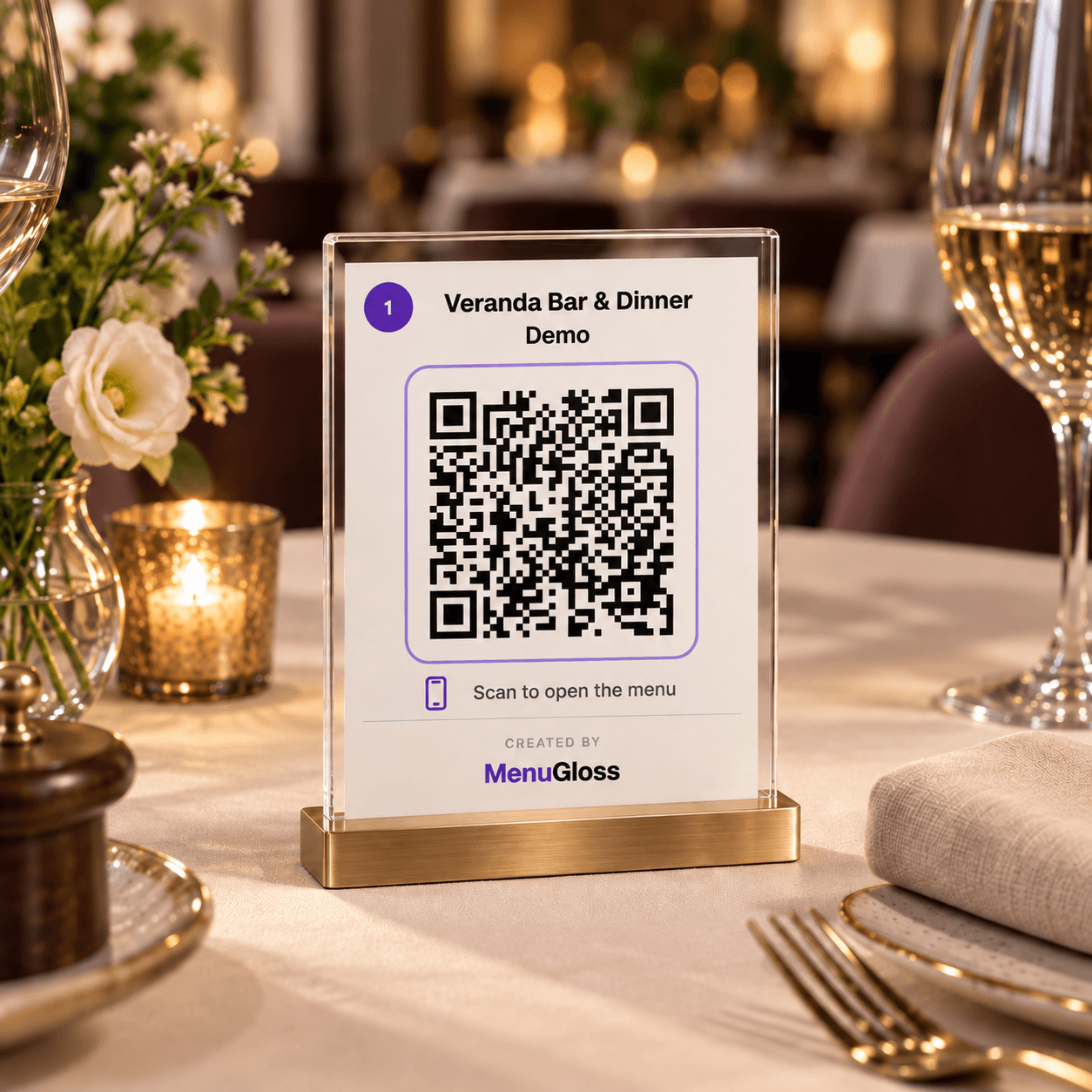
QR codes
Create QR codes for your tables, ready to print instantly.
MenuGloss
No manual product entry, no waiting on a translator. AI reads your menu from a photo or PDF and prepares it for publishing - you just review and confirm.
Free during the pilot. Then €15 per month for participants, with everything included. You can cancel at any time. See full terms →
Ready-made templates
Pick a style and watch the preview update instantly.
Language
Time travel
See what a guest sees on a given day and time - which categories are hidden and which products are dimmed.
Day
Good taste is in the details.
Your menu included.
Beautiful and convenient
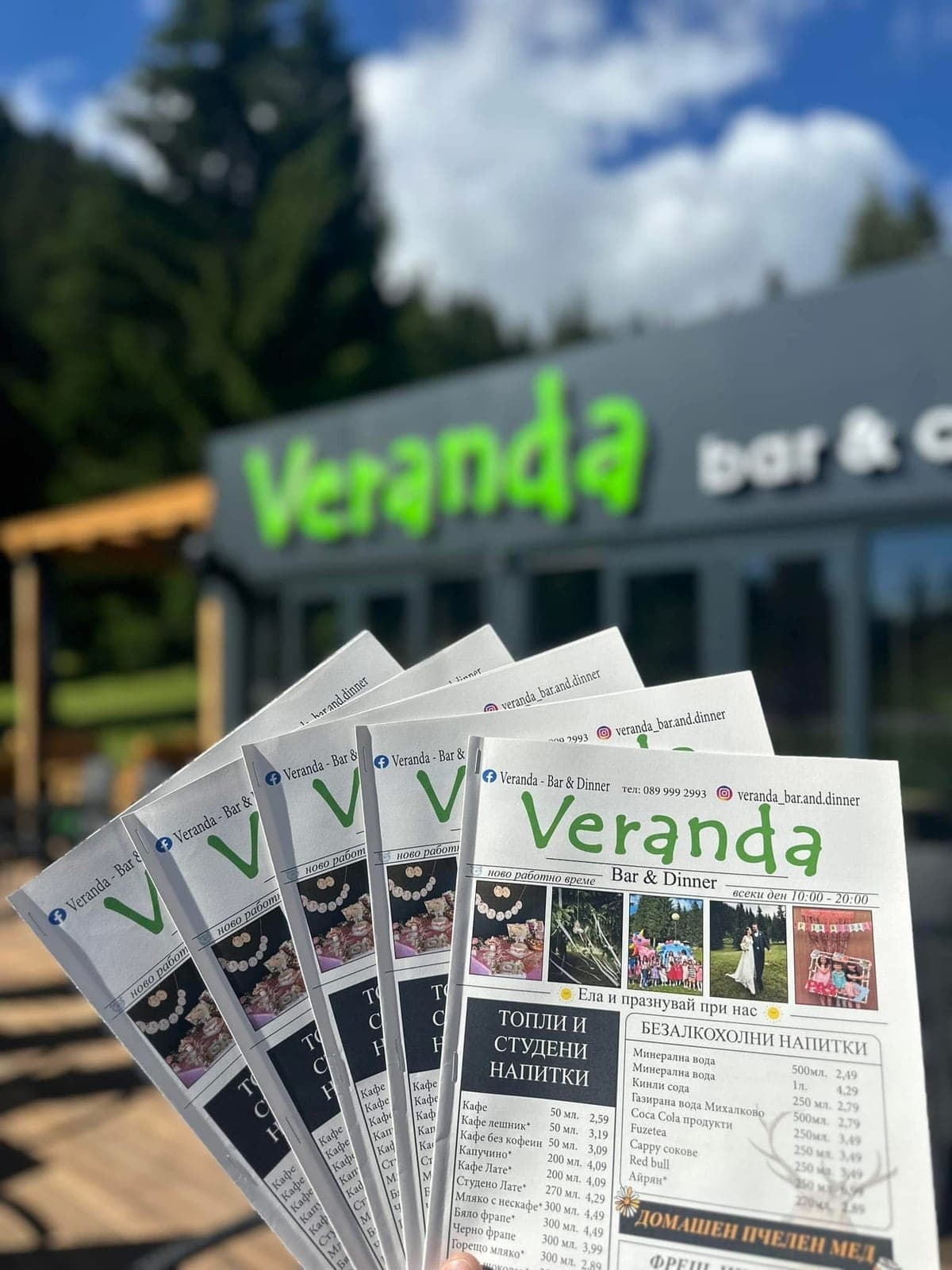
Give your dishes the presentation they deserve. Beautiful photos, clear prices and thoughtful details, in a style that feels like your restaurant.
A simple beginning
Your menu is already written. Upload a photo or PDF and let AI organise categories, dishes, prices and variants. You review and confirm.
You have the final say. Review prices, translations and allergens before publishing.
VERANDA
BAR & DINNERMenu
Menu
Digital menuShopska Salad
Tomatoes, cucumbers, peppers and cheese.Chicken Soup
Margherita Pizza
Tomato sauce, mozzarella and basil.Register your restaurant and verify your email. No credit card needed.
A photo or PDF. AI prepares the products; you check the details.
Choose a template, colours and logo. Preview every change live.
Print your QR code. The menu opens in a browser, without an app.
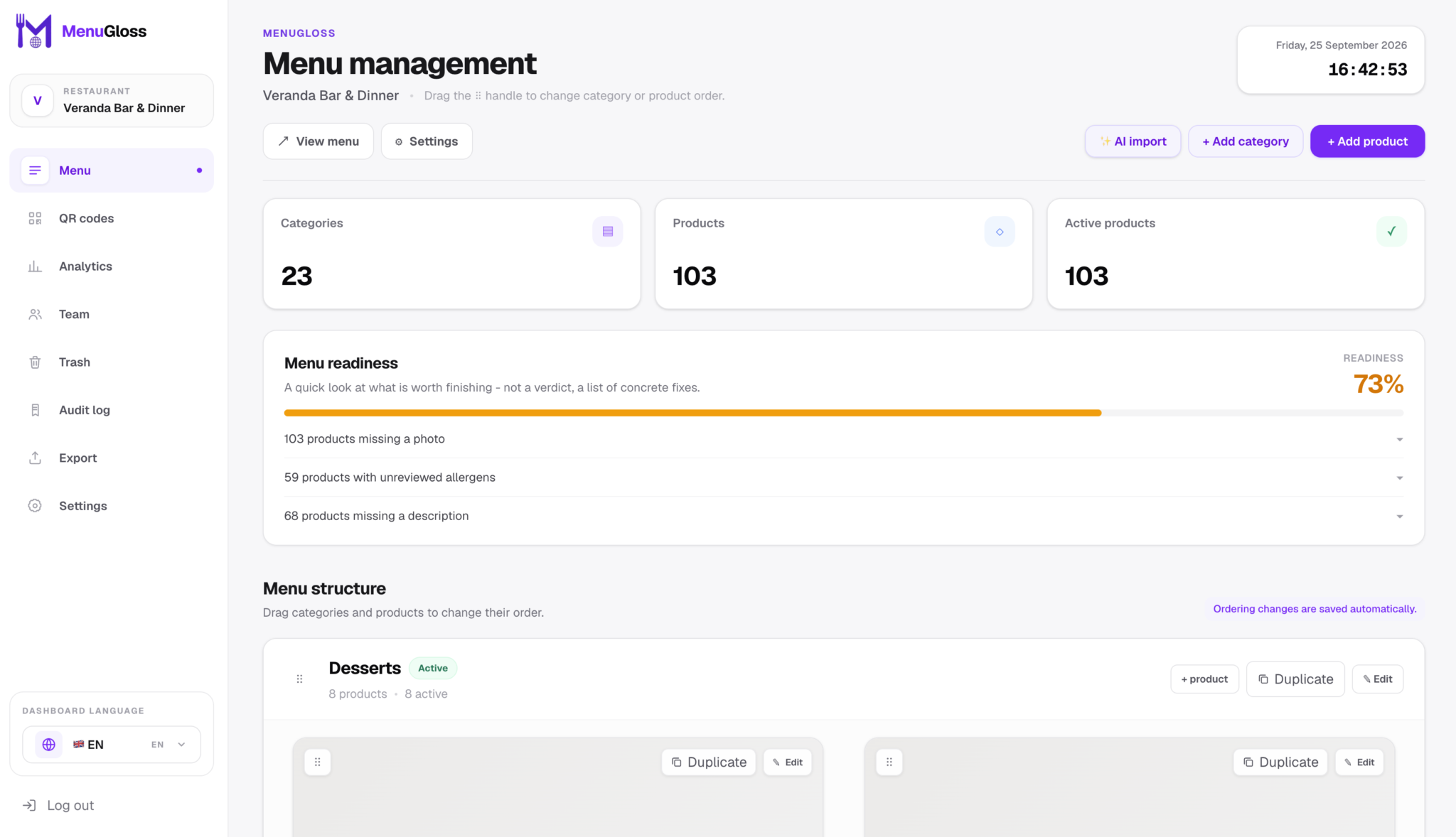
Manage easily
A new price, a seasonal special or a sold-out dish? Manage everything from your phone too — menus, photos, prices, QR codes and settings. Guests see the updated menu and your printed QR codes stay the same.
Multilingual
Every product is automatically translated into Bulgarian, English, German, French, Russian, Greek and Turkish - the guest picks their language, you never type anything twice.
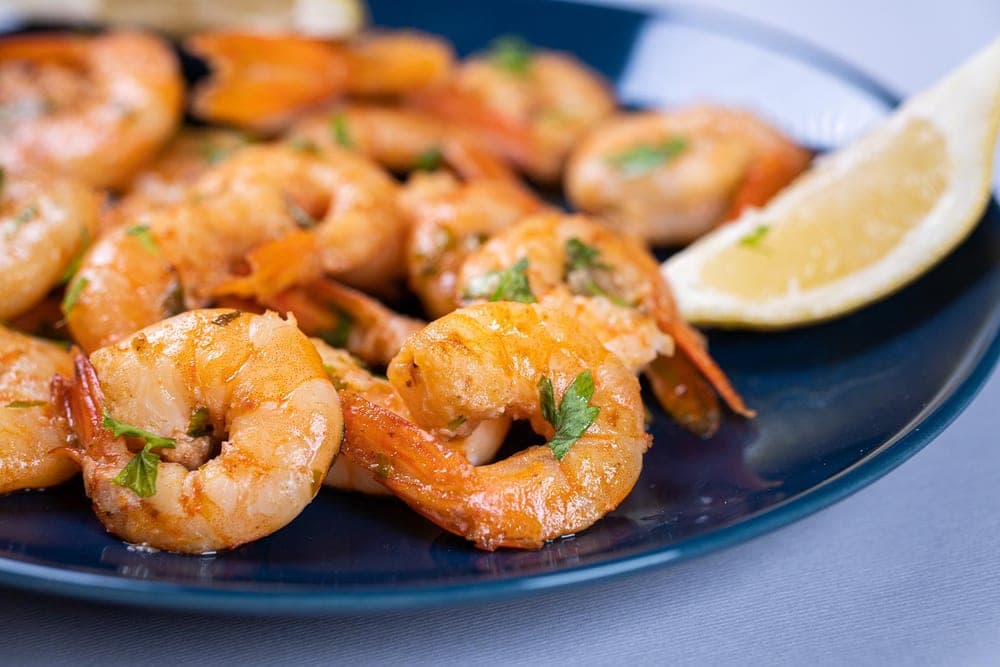
Succulent prawns, delicate lemon-zest butter and fresh herbs. Served with a lemon wedge.
€19.50Features
Made for the everyday life of a restaurant, from the lunch special to the whole team working together.
Create QR codes for your tables, ready to print instantly.
Products and categories only show when they're actually available, on a schedule you set.
Different sizes or portions of one product, each with its own price.
See which products get the most views - and from which table.
Invite colleagues with a clearly defined role - owner, admin, or editor.
A deleted product or category stays restorable for a full 30 days.
Photograph your menu and the AI recognizes categories, products and prices automatically.
Every product is automatically translated into Bulgarian, English, German, French, Russian, Greek and Turkish.
See exactly how the menu looks on a guest's phone while you're setting it up.
Download the whole menu as JSON or a printable PDF, any time.
Pick a tone and the AI writes a product description for you - you review and confirm before it's saved.
The guest hears how a dish's name is pronounced, right from the menu.
See who changed what in the menu, and when.
Copy a product or a whole category with one click, then edit just the differences.
Products guests view the most get a badge automatically - no action needed from you.
Pilot program
Try MenuGloss in your own restaurant. Every feature is included, with no fee during the pilot programme.
during the pilot
After the pilot
€15/ month
For pilot programme participants
Everything we offer is included
No credit card
You can cancel at any time.
No. They scan the QR code with their phone camera and the menu opens directly in their browser.
No. Update prices, dishes or the design and your printed QR code keeps pointing to the current menu.
Yes. AI import is a convenient starting point. You can add and edit every category, product and translation yourself.
Pilot participants keep a rate of €15 per month after the pilot ends. Everything we offer is included — every MenuGloss feature. You can cancel at any time.
Your next great impression
Start with the menu you already have. Give it a fresh look, 7 languages and its own QR code.
Sign up for freeFree during the pilot. Then €15 per month for participants, with everything included. You can cancel at any time. See full terms ↗